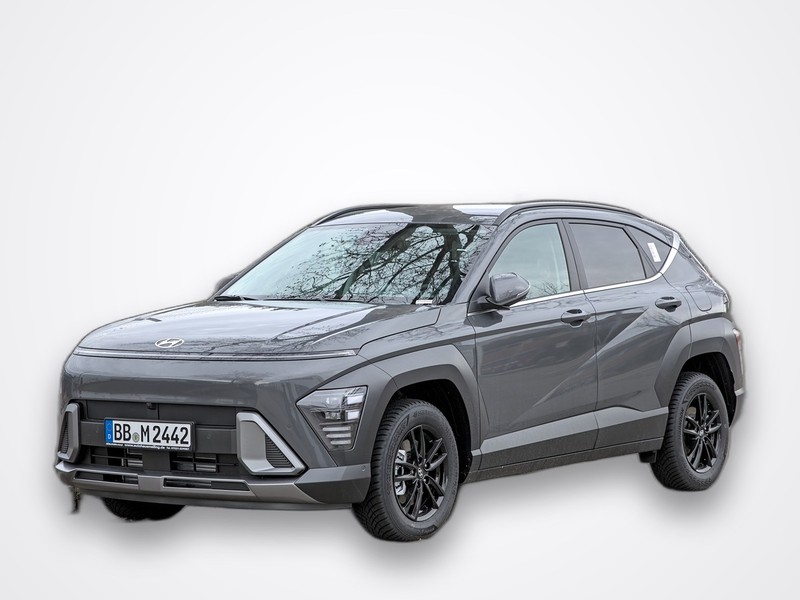
Hyundai Kona GPS tracking, free and private
Know where your Kona is at any moment - without the manufacturer's cloud and without a subscription. A spare Android phone plus the free SpySat app is all it takes.
| Model year | 2017 - present (2nd gen 2023) |
|---|---|
| Body | subcompact crossover SUV |
| Powertrains | petrol, hybrid, Kona Electric |
| Built in | Ulsan, South Korea / Czechia |
About the Hyundai Kona
The Kona is Hyundai's small crossover and a genuine EV pioneer - the Kona Electric offers well over 400 km of range. Whether petrol, hybrid or electric, its roomy small-crossover cabin and under-floor boot section hide a tracker phone neatly.
Where to mount a tracking phone in the Kona
- Under-floor boot tray - deep and hidden.
- Under the front passenger seat - flat and near power.
- Centre console - easy charging.
- Power - USB or 12 V.
- Signal - avoid metal seat rails.
Private by design - no manufacturer cloud, no foreign servers
Modern cars are permanently connected: the maker's own app knows where your car is and routes that data through its cloud. Our approach is the opposite. Tracking runs entirely on a phone you own, and your location history lives in your own SpySat account. We do not pass it to the car maker and we do not send it to any foreign data centre.
Frequently asked questions
Can I track a Kona without the Bluelink app?
Yes - independent of Hyundai's connected services.
Where to hide it?
Under the boot floor or under the front passenger seat.
Data abroad?
No; it stays in your SpySat account.
Cost?
Free app and platform; only phone data.
Kona Electric affected?
No - the phone is separate from the car.
Multiple cars?
Yes, unlimited endpoints.
Legal?
Own/authorised vehicles only.
What owners say
No reviews yet - be the first to share where you mounted your tracker.
Quick start
Put a spare Android phone in the car, run the SpySat app, name the device and set a PIN, then watch it live on the map. The full guide lives on one page: